About
Atlas Explorer is an interactive web catalog of electronic atlases that enables you to search for atlases, explore their structure, and conduct your own comparative and trend analyses.
The aim of the Atlas Explorer project is to identify, analyze, classify, and archive electronic atlases in order to preserve, systematize, and expand knowledge about atlases and their diverse metaconcepts.
In the current version of Atlas Explorer, electronic atlases are classified according to bibliographic, content, and media-cartographic attributes. The latter comprise 75 attributes grouped into five blocks: general information, interface, information architecture and navigation, content representation, and functionality. An explanation of each attribute is available in the tooltips of the table column headers.
Methodological aspects of analysis are described in the Supplementary Materials section, along with other useful information. Unlike the standard analysis model, which typically requires 30–50 hours, Atlas Explorer applies an express analysis approach with an estimated duration of 2–3 hours. While this approach enables the identification of the most important and synthetic attributes, it provides lower analytical depth and reliability compared to the standard model.
Atlas Criteria
- Defined theme and territory
- Includes multiple thematic sections or ready-made thematic maps (excluding the metaconcept of organizational mechanisms)
- Includes purpose-built maps or (geo)spatial visualisations
- Content is delivered either within the atlas shell or on purpose-built pages (not PDF pages)
- Operational and completed product (not a beta version)
- Not a catalog geoportal, collection of dashboards, interactive map, (web)GIS or applied CIS
Functionality
- To switch between tables, use the buttons on the left-hand side
- On the right are the buttons for horizontal table scrolling, show/hide selected columns, and full-screen mode
- Column widths can be adjusted
- All atlas titles contain hyperlinks
- Clicking any table cell copies its content
- Columns can be sorted (ascending/descending) and filtered using: (1) keywords, (2) list selection, and (3) expressions (for numeric columns)
- Table filters can be reset using the ‘Clear Filters’ button located at the bottom, next to the pagination menu
- Use the ‘Page Size’ dropdown in the pagination menu to set the number of atlases (rows) displayed

Supplementary Materials
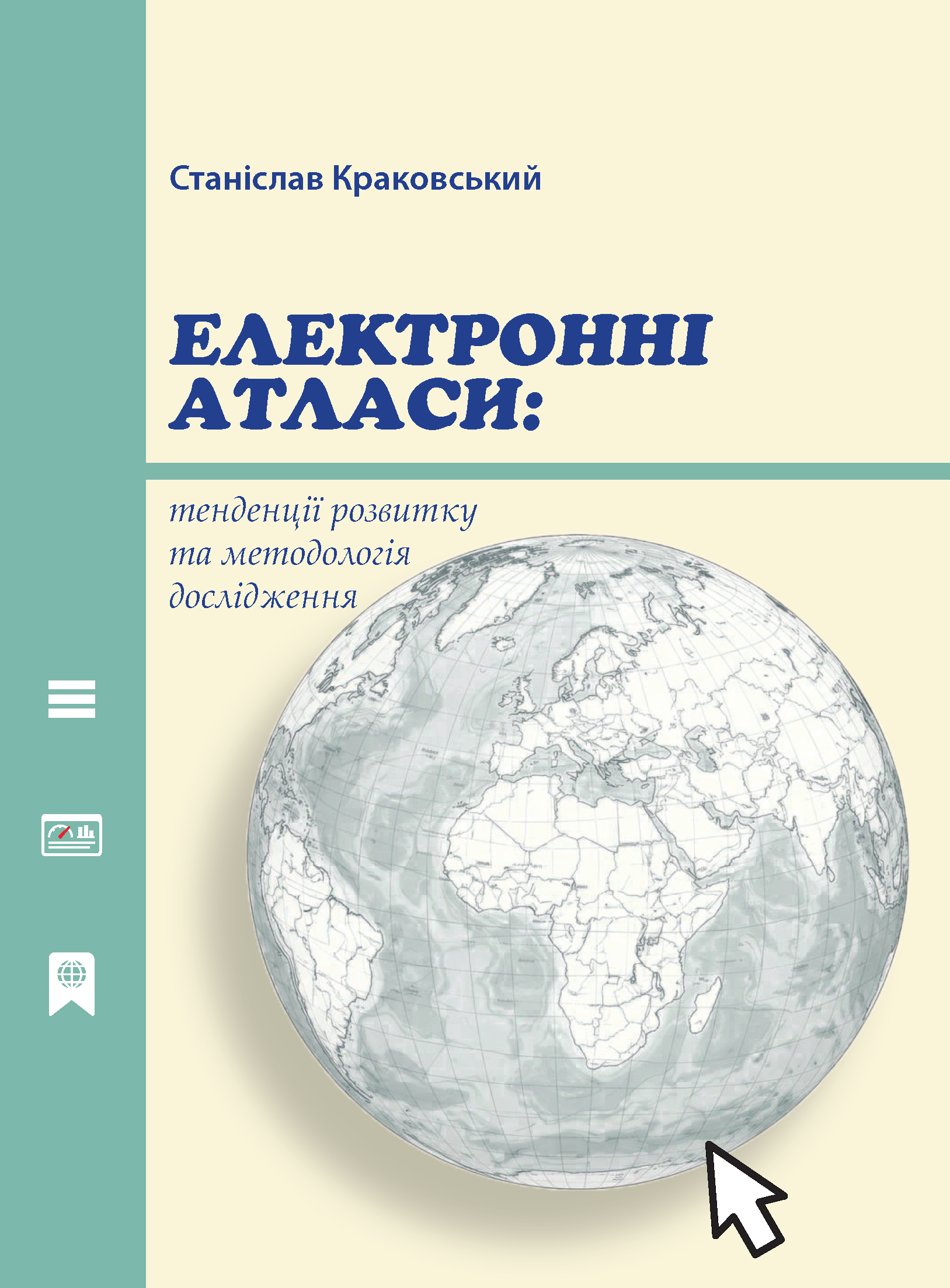
✕Electronic Atlases: Development Trends and Research Methodology
Book Published: December 30, 2025The book presents a periodization of electronic atlas (EA) development and identifies metaconcepts of atlas applications. It refines the classification of EAs, clarifies the concept of the EA, and outlines current research approaches and methods. The book provides a detailed characterization of four core EA components as end-user applications: interface, information architecture and navigation, content representation, and functionality. It also introduces and validates a methodology for media-cartographic analysis of EAs through empirical case studies of the European Atlas of the Seas and the Czech Historical Atlas